
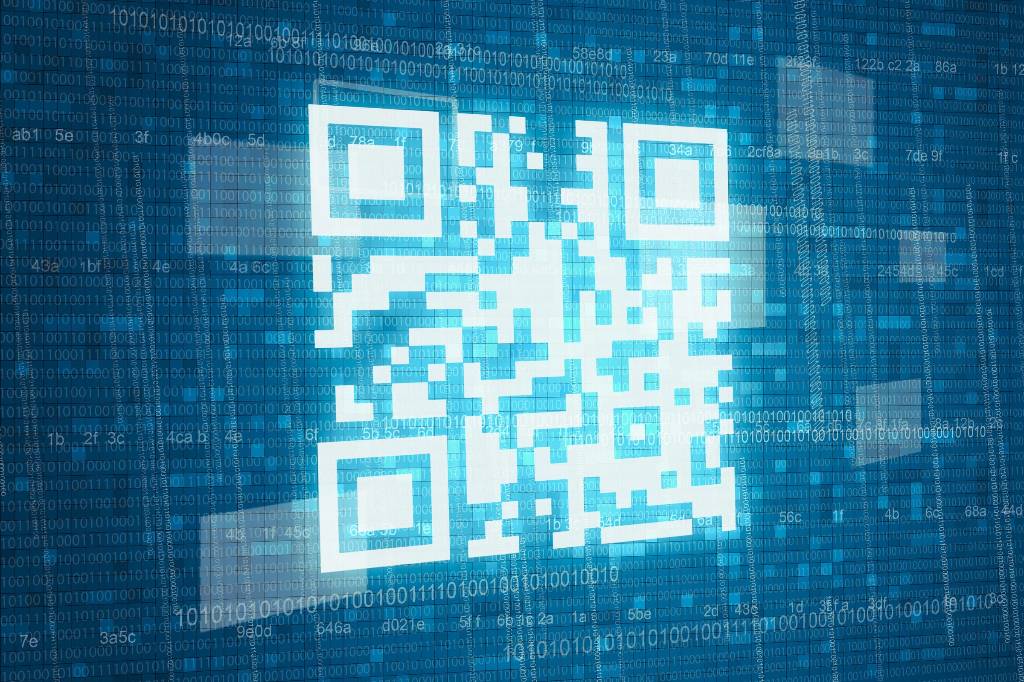
The Rising Threat of QR Code Phishing: What Your Business Needs to Know
QR codes have become part of everyday life. From restaurant menus to parking meters, event tickets to payment systems – those little black and white squares are everywhere. And that’s precisely why cyber criminals have started exploiting them.
Welcome to the world of “quishing” – QR code phishing. It’s a growing threat that’s catching businesses off guard, and it’s time to pay attention.
What Is Quishing?
Quishing works much like traditional phishing, but instead of clicking a suspicious link in an email, victims scan a QR code that directs them to a malicious website. These fake sites are designed to steal login credentials, financial information, or install malware on devices.
The clever part? Most email security tools are built to scan text and URLs for threats. QR codes, being images, often slip through these defences completely undetected. It’s a blindspot that attackers are increasingly eager to exploit.
Why QR Codes Make Perfect Bait
There are several reasons why QR codes have become such effective attack vectors.
Firstly, we’ve been trained to trust them. The pandemic accelerated QR code adoption dramatically – suddenly, we were scanning codes for NHS check-ins, vaccination records, and contactless menus. That familiarity breeds a dangerous complacency.
Secondly, you can’t see where a QR code leads before you scan it. With a traditional link, you might hover over it to check that the URL looks legitimate. With a QR code, you’re essentially scanning blind.
Thirdly, QR codes often direct users to mobile devices, which typically have smaller screens and less visible URL bars. This makes it harder to spot a fraudulent web address, even after you’ve landed on the page.
How Quishing Attacks Typically Work
The most common quishing attacks arrive via email. You might receive what appears to be a message from Microsoft, asking you to scan a QR code to verify your account or update your multi-factor authentication settings. The email looks professional, uses familiar branding, and creates urgency – all hallmarks of effective social engineering.
Once scanned, the code takes you to a convincing replica of a Microsoft login page. Enter your credentials, and they’re immediately harvested by attackers.
But it’s not just emails. Physical quishing attacks are on the rise too. Criminals have been known to place fake QR code stickers over legitimate ones on parking meters, leading victims to fraudulent payment sites. Others have distributed flyers or posters with malicious codes in public spaces.
Some attackers have even targeted businesses directly, sending physical mail containing QR codes that appear to relate to deliveries, invoices, or official notices.
The Business Impact
For businesses, quishing poses serious risks. A single compromised set of credentials can give attackers access to email accounts, cloud storage, financial systems, and sensitive customer data.
The consequences can include data breaches, financial fraud, regulatory penalties, and significant reputational damage. For smaller businesses without dedicated security teams, recovering from such an incident can be devastating.
What makes quishing particularly dangerous for organisations is that it often targets employees who are simply trying to do their jobs efficiently. That sense of urgency – “verify your account now” or “your password expires today” – pushes people to act quickly without thinking critically.
Protecting Your Business
Awareness is your first line of defence. Staff need to understand that QR codes carry the same risks as clicking links, and should be treated with the same caution.
Before scanning any QR code, especially one received via email or found in an unexpected location, employees should ask themselves: Was I expecting this? Does the request make sense? Is there another way to verify this is legitimate?
If a QR code claims to be from a service you use – your bank, Microsoft, a delivery company – don’t scan it. Instead, go directly to that service’s website or app through your normal route.
For codes in physical locations, check for signs of tampering. Does the sticker look like it’s been placed over another one? Is the code consistent with the branding around it?
From a technical standpoint, businesses should ensure their email security solutions are capable of detecting QR codes and analysing the URLs they contain. Many modern security tools now offer this functionality, but it’s worth checking with your IT provider.
Mobile device management can also help, allowing organisations to control which apps can scan QR codes and providing additional layers of protection on company devices.
Staying One Step Ahead
Cyber criminals are constantly finding new ways to bypass our defences, and quishing is simply the latest evolution. The good news is that with proper awareness and the right security measures in place, it’s a threat that can be effectively managed.
The key is not to become complacent. Just because a QR code looks harmless doesn’t mean it is – and in today’s threat landscape, a healthy dose of scepticism could save your business from a costly breach.
Concerned about your business’s vulnerability to phishing attacks? Provident IT Solutions offers comprehensive cybersecurity services, including staff awareness training and email security solutions. Get in touch today to discuss how we can help protect your organisation.

