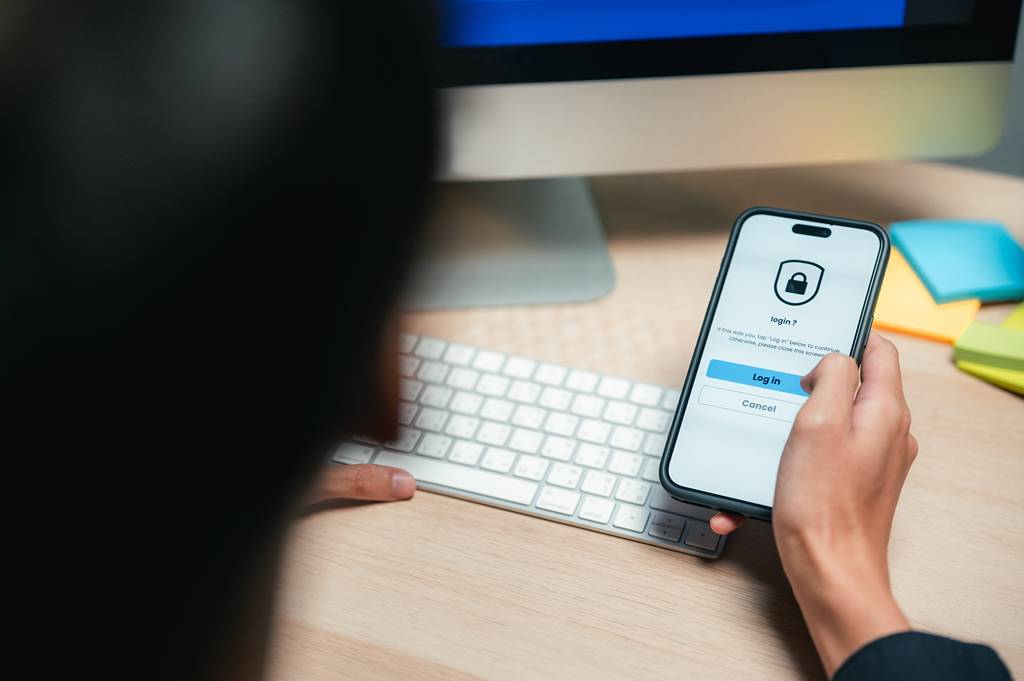
You’ve typed your password, and now you’re staring at a notification on your phone asking you to approve the login. It’s a small interruption – ten seconds, maybe less – but it’s also one of the single most effective things you can do to keep your business accounts secure. That’s multi-factor authentication, or MFA, and it’s worth understanding properly rather than just tapping “approve” out of habit.
You might also see this called two-factor authentication, or 2FA – it’s the same idea, just referring to the most common case of using exactly two steps rather than two or more.
What Is Multi-Factor Authentication, Really?
At its simplest, MFA means proving who you are in more than one way before you’re let into an account. Instead of relying on a password alone – something you know – you also need something you have, like your phone, or something you are, like your fingerprint.
Think of it like getting into a building that needs both a keycard and a PIN code. Knowing the PIN isn’t enough without the card, and having the card isn’t enough without the PIN. Apply that same logic to your email, your accounting software, or your customer database, and you’ve got the basic idea behind MFA.
How Does MFA Work Day to Day?
In practice, MFA usually shows up in one of a few familiar forms. You might get a text message with a one-time code. You might use an authenticator app that generates a fresh code every 30 seconds. Or you might simply get a push notification asking you to approve or deny a sign-in attempt, which tends to be the quickest and most common method these days.
Whichever version your business uses, the principle is the same: even if someone gets hold of your password, they still need that second piece – your phone, your authenticator app, or your fingerprint – to actually get in.
Why Do Melton and East Midlands Businesses Need MFA?
Passwords get reused, written down, guessed, or quietly leaked in breaches that have nothing to do with you. None of that is necessarily anyone’s fault – it’s just the reality of how many accounts most of us juggle. MFA doesn’t try to fix human nature around passwords; it simply adds a second lock on the door, so a leaked or guessed password on its own isn’t enough to get someone in.
That’s precisely why MFA is one of the most cost-effective security measures a business can put in place. It doesn’t require new hardware, expensive software, or a long rollout. For most businesses, it’s a setting that can be switched on across email and key business systems in a single afternoon – and from that point on, it’s just a normal part of logging in.
This matters just as much for a small business in Melton Mowbray as it does for a large enterprise in London. Cyber criminals don’t target companies based on size or postcode – automated attacks probe thousands of accounts a day looking for the easiest way in, and an unprotected login is an unprotected login whether you’re based in Leicestershire, Nottinghamshire, or anywhere else across the East Midlands. If anything, smaller local businesses are often seen as softer targets, precisely because MFA and other basic protections haven’t been switched on yet.
Common MFA Objections (And Why They Don’t Hold Up)
It’s fair to say MFA can feel like friction, especially at first. A few common objections are worth addressing head-on:
“It slows me down.” In reality, most methods take a few seconds once you’re used to them, and many systems let you mark a trusted device so you’re not prompted every single time.
“I’ll just forget my phone.” Most providers offer backup options, such as backup codes or an alternative verification method, so a forgotten phone doesn’t lock you out entirely.
“My password’s strong enough.” A strong password is genuinely good practice – but it protects against guessing, not against being leaked in an unrelated data breach, reused across multiple sites, or shared by accident. MFA covers the gap a strong password alone can’t.
How to Roll Out MFA Across Your Team
If you’re rolling MFA out across your business, a little context goes a long way. Most pushback comes from people not understanding why the extra step exists, rather than genuine resistance to the idea. A short explanation – “this protects your account even if your password ever gets exposed somewhere else” – tends to land far better than simply mandating it without context.
It’s also worth prioritising where MFA goes first. Email accounts are usually the best place to start, since they’re often the key that unlocks password resets for everything else. From there, extending it to your accounting software, customer systems, and any cloud storage is a sensible next step.
Do You Already Have the Tools to Set Up MFA?
The good news is that many businesses already have the tools to do this without buying anything new. If you’re using Microsoft 365 or Google Workspace, MFA is typically built in and just needs switching on and configuring properly for your organisation – it’s often less about cost, and more about someone taking the time to set it up correctly across the whole team rather than leaving it to individual choice.
A Small Habit With a Big Payoff
MFA isn’t about assuming the worst is going to happen to your business. It’s simply good digital hygiene – much like locking the office door isn’t an accusation against anyone, it’s just sensible practice. The extra ten seconds at login is a small trade-off for closing one of the easiest routes an attacker has into your systems.
If you’d like a hand getting MFA properly set up across your business – or want to understand where it fits alongside your other security layers – that’s exactly the kind of thing our IT Security team can help with. As your local Melton-based IT provider serving businesses across Leicestershire and the East Midlands, get in touch with Provident IT and we’ll talk you through it, jargon-free.